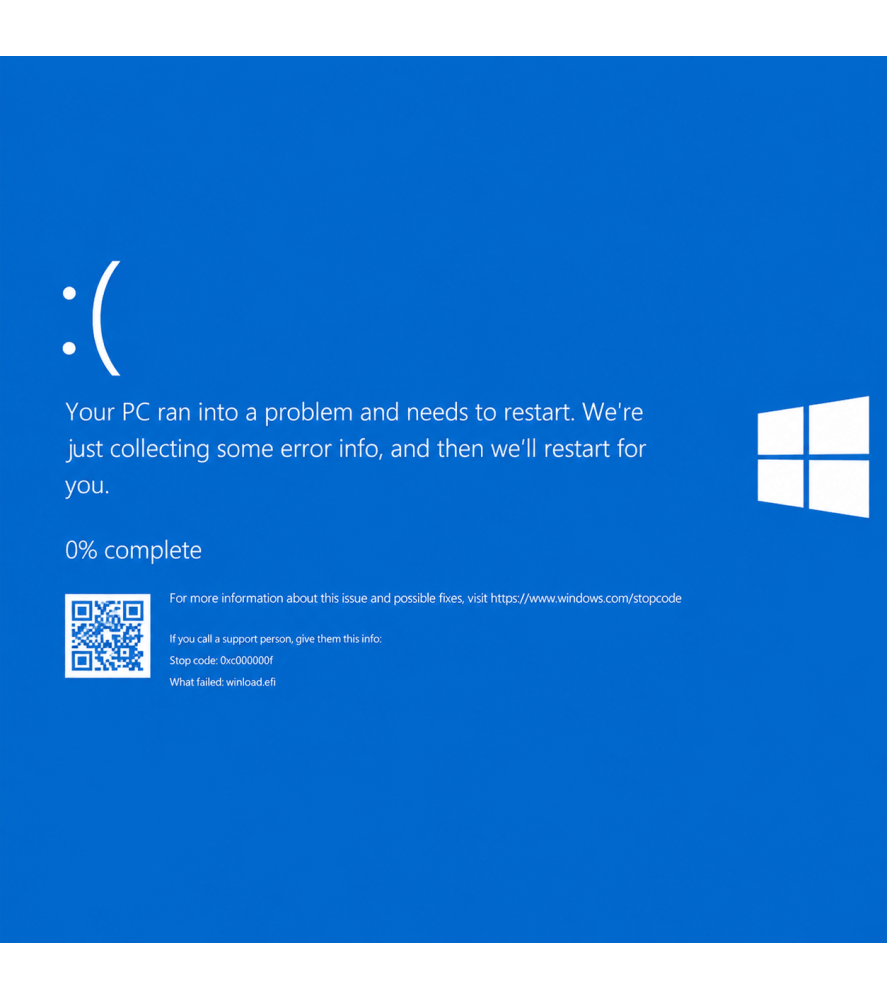
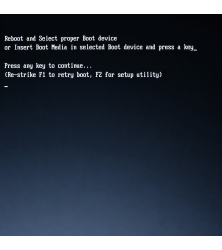
Does your desktop PC no longer boot into Windows, display a blue screen, become stuck in Automatic Repair or show an error such as “No Bootable Device”?
Our professional PC Windows repair service is designed for computers where the operating system has become corrupted, unstable or unable to start correctly.
The standard Windows software repair service costs £69.99. Where practical, we attempt to repair the existing Windows installation before carrying out a clean reinstallation.
Local PC Windows repairs are available from our Bolton repair centre, with a UK-wide repair service available throughout the country.
Common Windows Boot Problems
Windows startup faults can appear in several different ways.
Common symptoms include:
• Windows will not boot
• Blue Screen of Death errors
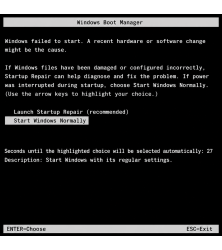
• Automatic Repair loops
• Startup Repair repeatedly failing
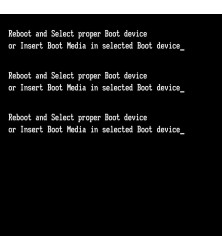
• No Bootable Device messages
• Windows freezing during startup
• Black screen during boot
• Windows crashing after an update
• Missing or corrupt system-file errors
• PC repeatedly restarting during startup
These symptoms can be caused by Windows corruption, but similar problems can also occur when an HDD, SSD, RAM module or another hardware component is failing.
We Diagnose the Cause Before Reinstalling Windows
Reinstalling Windows is not always the correct solution.
Before treating the problem as a software fault, our engineers assess the computer to determine whether there are signs of an underlying hardware problem.
If the storage drive is failing, repeatedly reinstalling Windows will not provide a reliable repair. In this situation we will advise you that the HDD or SSD requires replacement.
Windows Repair Before Reinstallation
Where practical, we attempt to repair the existing Windows installation first.
This can include appropriate startup repair, system-file checks, boot configuration repair and other Windows recovery procedures depending on the fault.
If the operating system is too badly corrupted to repair reliably, a clean Windows installation may be the better solution.
Windows Reinstallation
Where a clean installation is required, we can reinstall a suitable Windows operating system and install available drivers for the computer.
A new Windows licence is not included where the computer does not already have an appropriate digital or product-key licence.
Additional software applications that were previously installed on the PC are not automatically included unless specifically agreed.
What Happens to My Data?
Where possible, we will take reasonable steps to protect accessible customer data during the repair process.
However, no repair involving a corrupted operating system or potentially failing storage device can guarantee the safety or recoverability of data.
If the HDD or SSD has failed and specialist file recovery is required, this is treated as a separate data-recovery service.
What Is Not Included in the £69.99 Windows Repair?
The £69.99 service is for Windows software repair or reinstallation.
The following are not automatically included:
• Replacement HDD or SSD
• RAM or other hardware replacement
• Motherboard repair
• Specialist data recovery
• New Windows licence where required
• Paid third-party software licences
If another fault is identified, we will contact you before carrying out additional chargeable work.
Repair Price, Additional Work & Unsuccessful Repairs
The advertised price is £69.99. Additional parts or work outside this service are explained and require your approval. If repair is unsuccessful, unrepairable or declined after assessment, £20 is retained for diagnosis and engineering time. This fee is credited against a repair that proceeds. Postage is separate.
Warranty on the Repaired Fault
A successful repair includes a three-month warranty covering the original fault repaired, beginning on the repair date. Unrelated faults, new damage and separate components are outside this repair warranty.
PC Windows Boot Repair & Reinstallation in Bolton & Greater Manchester
Looking for pc windows boot repair & reinstallation near you? Local customers in Bolton and Greater Manchester can drop off their desktop PC at Console Wizard during opening hours without an appointment. Describe the symptoms and any previous repair history.
UK-Wide PC Windows Boot Repair & Reinstallation
Customers across the UK can securely package and send their device to our Bolton workshop for this service. Include the reported fault and any important data requirements. The service scope, quoted additional work and applicable charges remain as described above; postage is separate.
PC Windows Repair FAQs
How much does PC Windows repair cost?
Our standard Windows software repair and reinstallation service costs £69.99.
Can you repair a PC stuck in Automatic Repair?
Yes. We can investigate Automatic Repair loops and determine whether the cause is Windows corruption or an underlying hardware problem.
Does a blue screen mean Windows needs reinstalling?
Not necessarily. Blue screens can be caused by software, drivers, RAM, storage or other hardware faults, so the cause should be diagnosed before reinstalling Windows.
Will you automatically wipe the computer?
No. Where practical, we attempt appropriate repair of the existing installation first. A clean installation is used when repair is not practical or reliable.
Is a new HDD or SSD included?
No. If testing identifies a failed storage device, replacement storage is a separate repair and we will advise you of the cost.
Will I lose my files?
We take reasonable steps to protect accessible data where possible, but data cannot be guaranteed, particularly where Windows or the storage device is badly corrupted or failing.

 Security policy
 Delivery policy
 Return policy