Does your laptop display a blue screen, fail to boot into Windows or report that no bootable operating system can be found?
Our £69.99 Windows laptop software repair service covers operating-system corruption and Windows reinstallation where the laptop's hardware remains serviceable.
Windows Problems We Repair
• Windows fails to boot
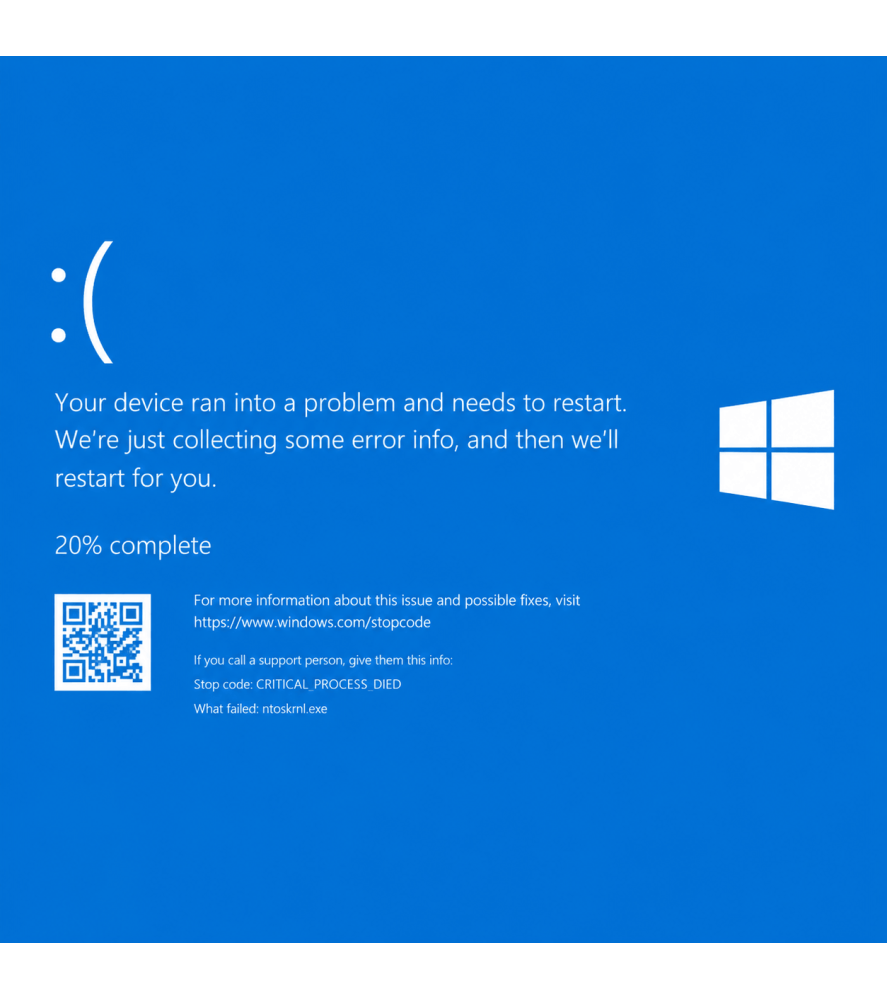
• Blue Screen of Death errors
• Windows repeatedly restarting
• Corrupted operating system
• Startup repair loops
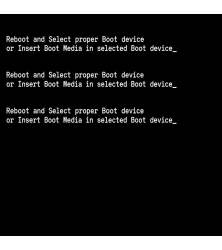
• No bootable operating system errors
What Does the £69.99 Service Include?
• Windows fault investigation
• Windows software repair where practical
• Windows reinstallation where required
• Driver installation where available
• System testing
Hardware Faults Are Separate
A blue screen or boot failure can also be caused by defective storage, RAM or other hardware.
This £69.99 service covers Windows/software repair only. If the hard drive, SSD or another component has failed, we will contact you with the appropriate repair cost before additional work proceeds.
Important Data Information
Where possible, customers should maintain a backup of important files. Reinstallation of Windows can require data to be erased, and recovery cannot be guaranteed from defective storage devices.
Bolton & UK-Wide Windows Laptop Repair
Available from our Bolton repair centre and through our UK-wide laptop repair service.
Frequently Asked Questions About Windows Laptop Repair
What causes a Windows blue screen?
Blue screens can be caused by corrupted system files, defective drivers, failed storage, faulty RAM or other hardware problems. Diagnosis may be required to identify the underlying cause.
Does £69.99 include a replacement hard drive or SSD?
No. The £69.99 service covers Windows/software repair. If testing identifies a failed hard drive, SSD or other hardware component, we will contact you with the additional repair cost.
Will you have to reinstall Windows?
Not necessarily. We can first investigate whether the existing Windows installation can be repaired. Where corruption is too severe, reinstallation may be required.
Will I lose my files?
We try to avoid unnecessary data loss, but Windows corruption or defective storage can make files inaccessible. Data recovery cannot be guaranteed, particularly where the storage device itself is failing.
What does “No Bootable Device” mean?
It means the computer cannot locate a usable operating system from which to start. This can be caused by Windows corruption, incorrect boot configuration or a failed storage device.

 Security policy
 Delivery policy
 Return policy